 FreeVoice
Android
Voice typing across Android apps—without switching keyboards.
The Bubble is a mic button above your keyboard. Hold it, speak, and FreeVoice places the transcript in the active text field.
Closed beta · Request access · Google sign-in required
Sending the notes now. I’ll add the two follow-ups we agreed on.
Press and hold the Bubble Once the Bubble has focus, you can also hold Space. This is a simulation: it does not use your microphone or send any data.
The Bubble in action
A little Bubble.
A lot less typing.
Catch an idea in Notes. Write a reply in a text field. Keep the keyboard you already know.
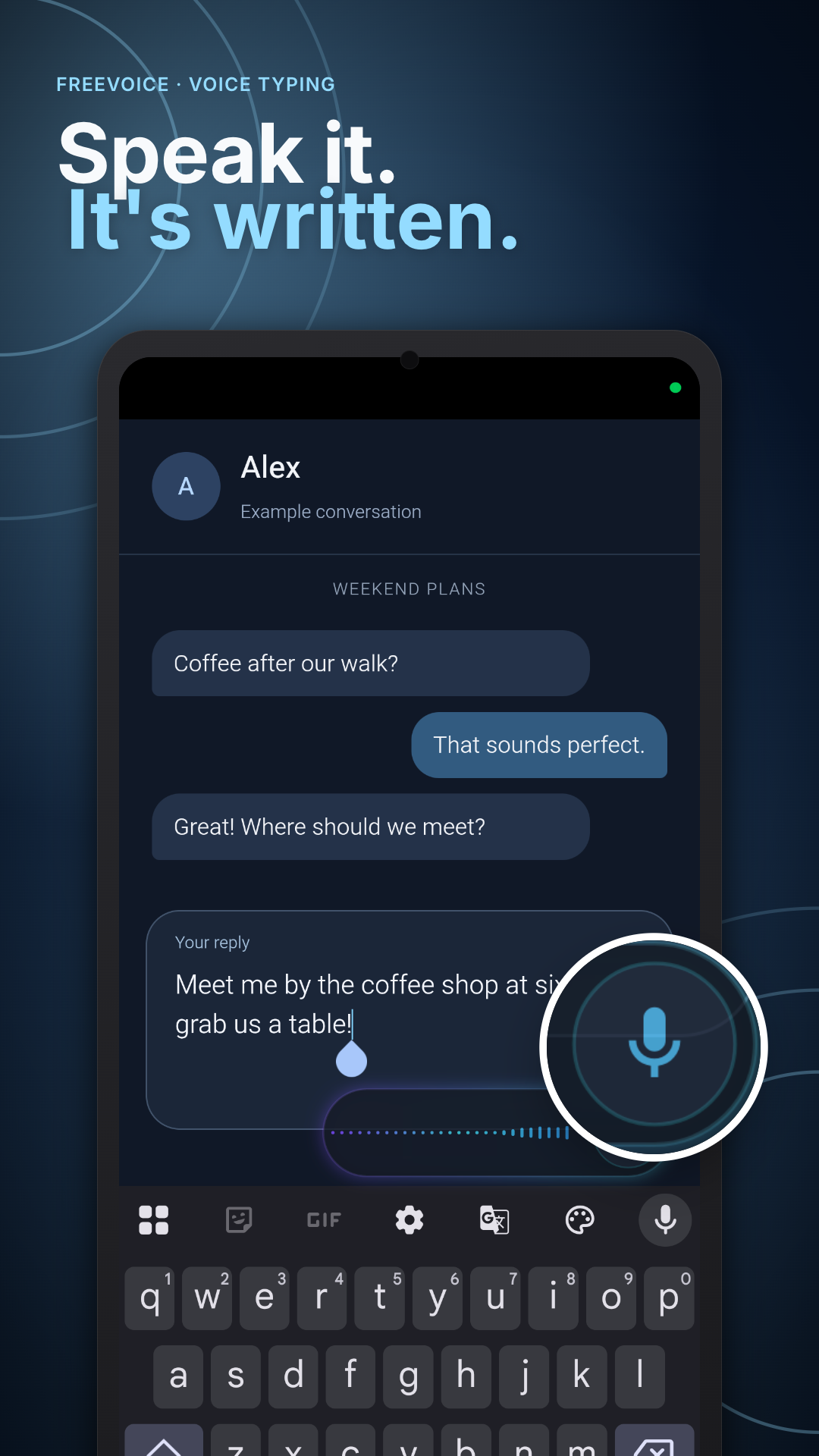
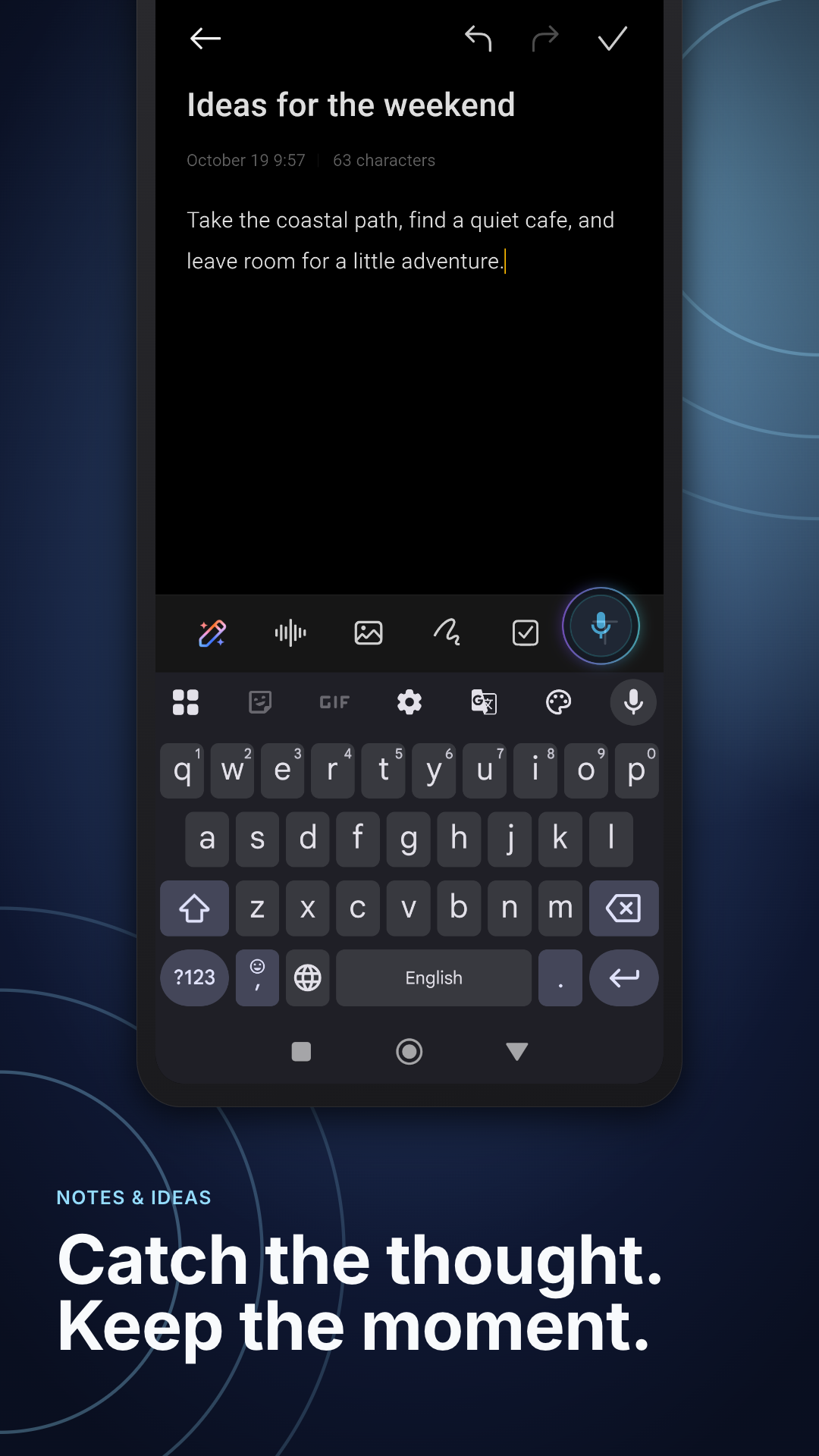
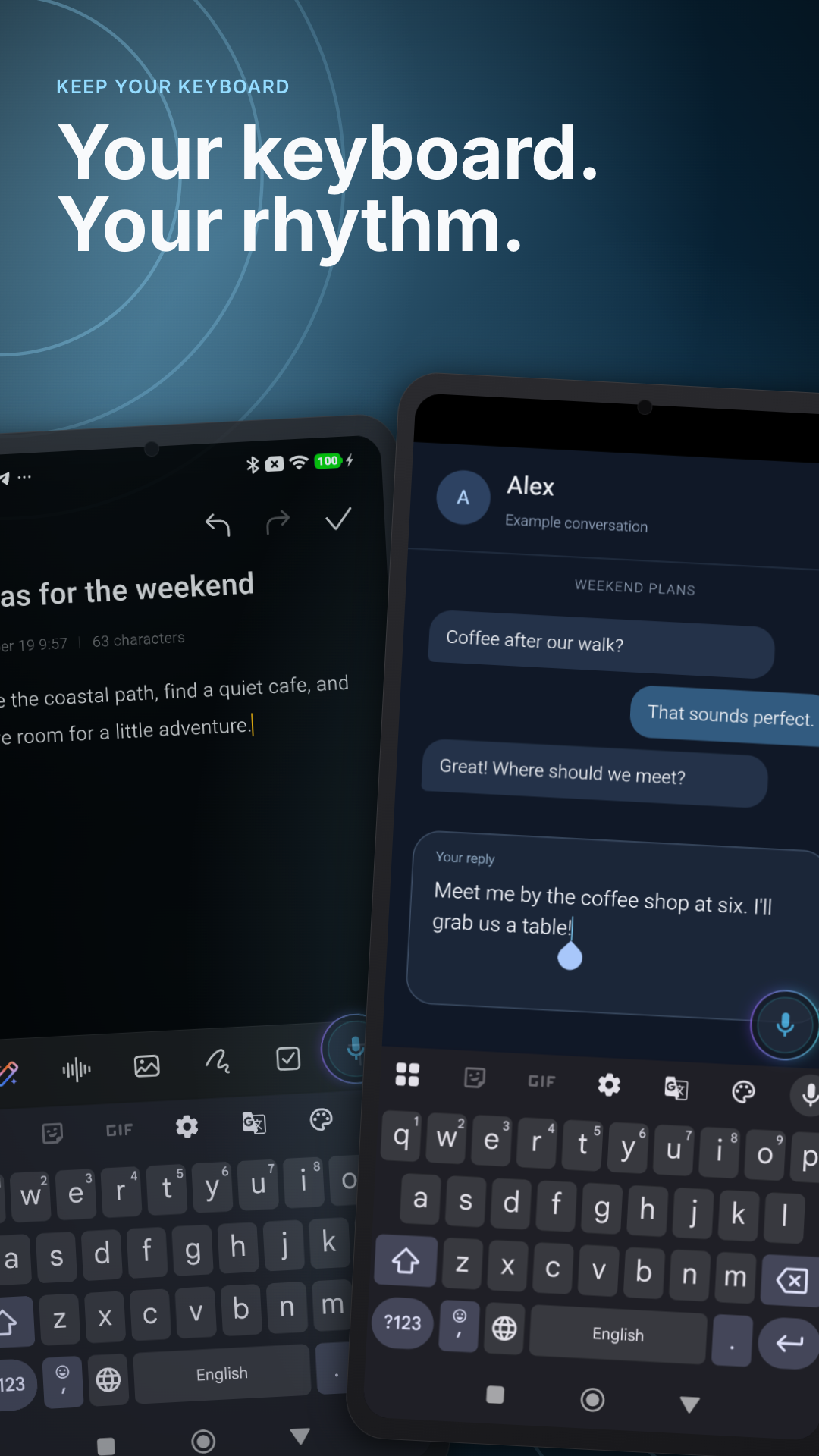
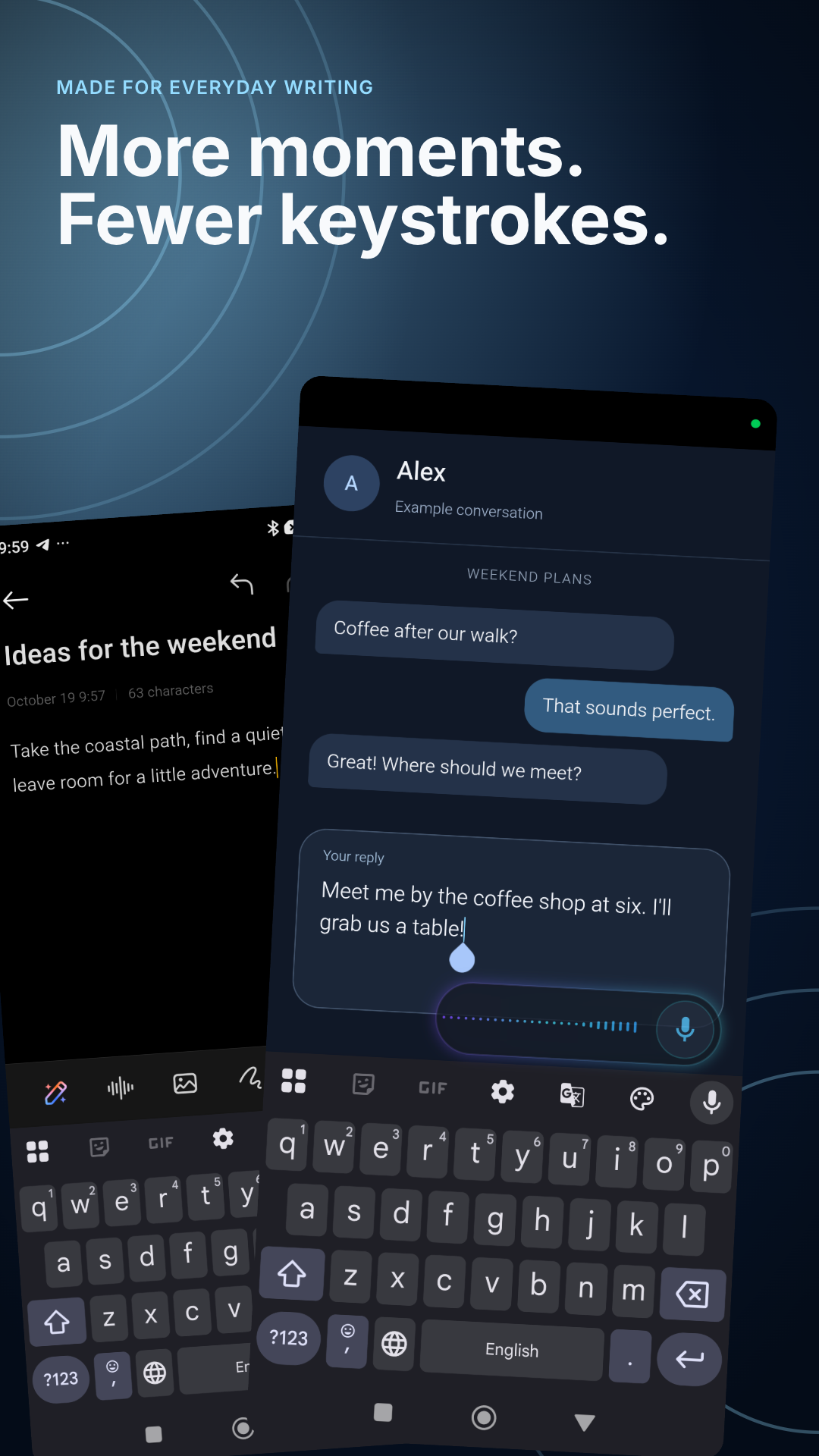
Captured on Android with sample text. The example conversation is a demo; FreeVoice enters text and you decide when to send it.
Setup
Grant three permissions, then dictate in many of the apps you already use.
-
01
Install and sign in with Google
Your allowance and Dictionary are linked to your account, so they stay with you after a reinstall or when you move to a new phone.
-
02
Grant three permissions
Allow microphone access, display over other apps, and the accessibility service. Each has a specific job, explained below.
-
03
Open a text field and hold the Bubble
Speak, let go, and FreeVoice places the transcript where you started dictating.
Why each permission is needed
Each Android permission does one job. Dictation needs all three.
- Microphone
- Records your speech during dictation. With the default gesture, recording starts when you press the Bubble and stops when you let go.
- Display over other apps
- Lets FreeVoice show the Bubble above supported apps. It appears when the keyboard is open over a text field and disappears with the keyboard. FreeVoice hides it in recognized password fields and in a default list of banking, payment, and dialer apps. This list is not exhaustive. You can hide the Bubble in more apps in Settings.
- Accessibility service
- Lets FreeVoice place the transcript in another app’s active text field without becoming your keyboard. If the field does not accept direct insertion, FreeVoice falls back to the clipboard.
Your speech is sent through the FreeVoice relay to a cloud speech provider; transcription does not happen on your device. Gemini is primary, with ElevenLabs used only if Gemini fails. The relay does not save your audio or transcript. Each provider processes both under its retention and data-use terms. The privacy policy has the full details.
More time
Choose the dictation time that fits your routine.
Cloud speech recognition has a real cost for every minute you dictate, so FreeVoice measures your dictation time. Start with the free allowance in the apps you already use.
Need more time? Paid tiers add hours for messages, notes, email, and longer documents.
-
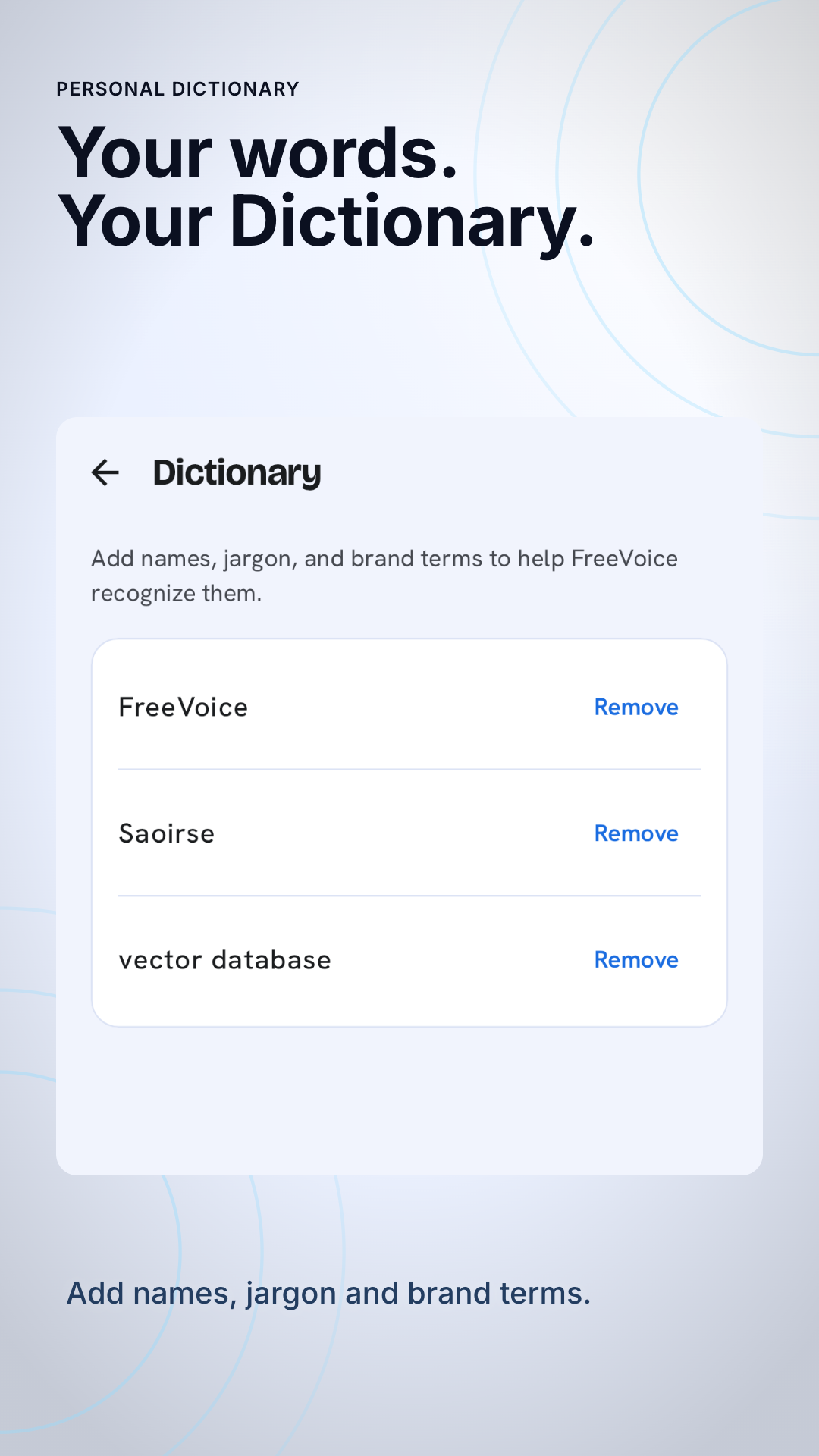
Your own Dictionary
Add the names, jargon, and brand terms you use. FreeVoice uses your list to improve the chance of recognizing those words without excluding words you have not added.
-
Text where you need it
Your transcript returns to the field where you started dictating. Smart transcription normally removes fillers, handles spoken corrections, and applies formatting automatically.
-
Automatic language detection
Smart transcription normally detects 85+ languages—even mid-sentence.
-
It stays out of the way
Hold to record is the default, so dictation ends when you lift your finger. You can choose Tap mode to start and stop with a tap. In either mode, a single dictation can last up to five minutes.
Pricing
Choose a plan for the way you dictate.
-
Free
$0no card needed
10 min / 7 days
Try the Bubble in the apps where you already type. Used time returns as the seven-day window rolls forward.
-
Pro · 5 hours
$4.99/ month
5 hours / 30 days
Equivalent to about ten minutes a day across the 30-day window—for messages, replies, and notes.
-
Pro · 15 hours
$9.99/ month
15 hours / 30 days
Equivalent to about thirty minutes a day across the 30-day window—for longer emails, documents, and anything you would rather say than type.
Plan allowances use rolling UTC calendar-day windows: Free includes today and the previous six UTC days; paid tiers include today and the previous 29 UTC days. Separately, dictation is capped at six hours per UTC calendar day on every tier. This daily cap resets at midnight UTC. Prices shown are in US dollars. Google Play handles billing; local pricing and taxes may vary. There is no annual plan.